
Home screen icon
Open SociaTrip with one tap, just like any other app on your phone
No app store, no updates to download: install SociaTrip like a real app, with push notifications and offline access.
SociaTrip is a Progressive Web App: install it directly from your browser and use it like a native app, with its own icon, splash screen, and notifications.
No manual updates, no wasted space on your phone: every time you open the app, you automatically get the latest version.
The same experience, but faster, more convenient, and always within reach
Open SociaTrip with one tap, just like any other app on your phone
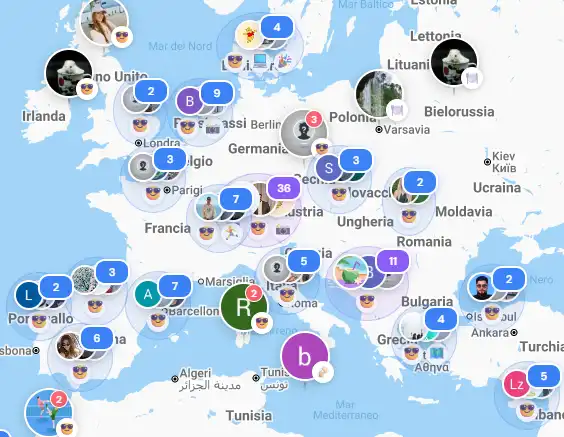
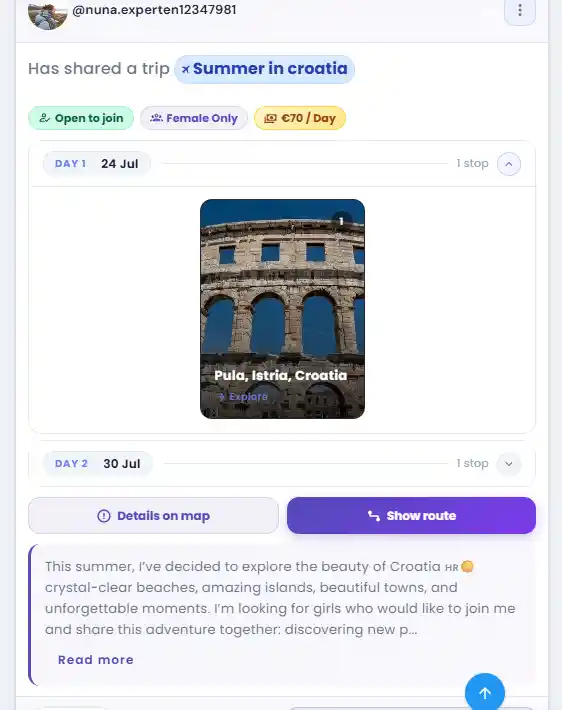
Previously visited content remains available even without a connection
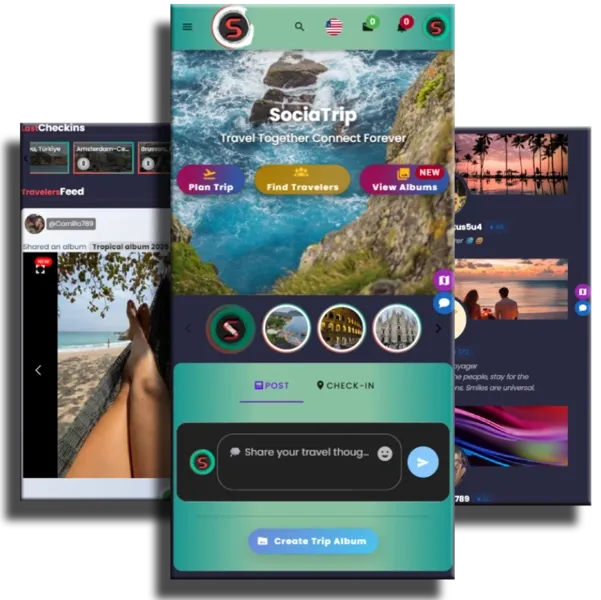
Get messages, travel requests, and updates instantly
Choose your device and follow the steps
Go to sociatrip.com using a browser that supports PWAs
In the address bar, click the icon with the downward arrow
SociaTrip will open in a dedicated window, just like a desktop app
Install it in just a few seconds and find travel companions wherever you are